Open 3D files instantly from File Explorer.
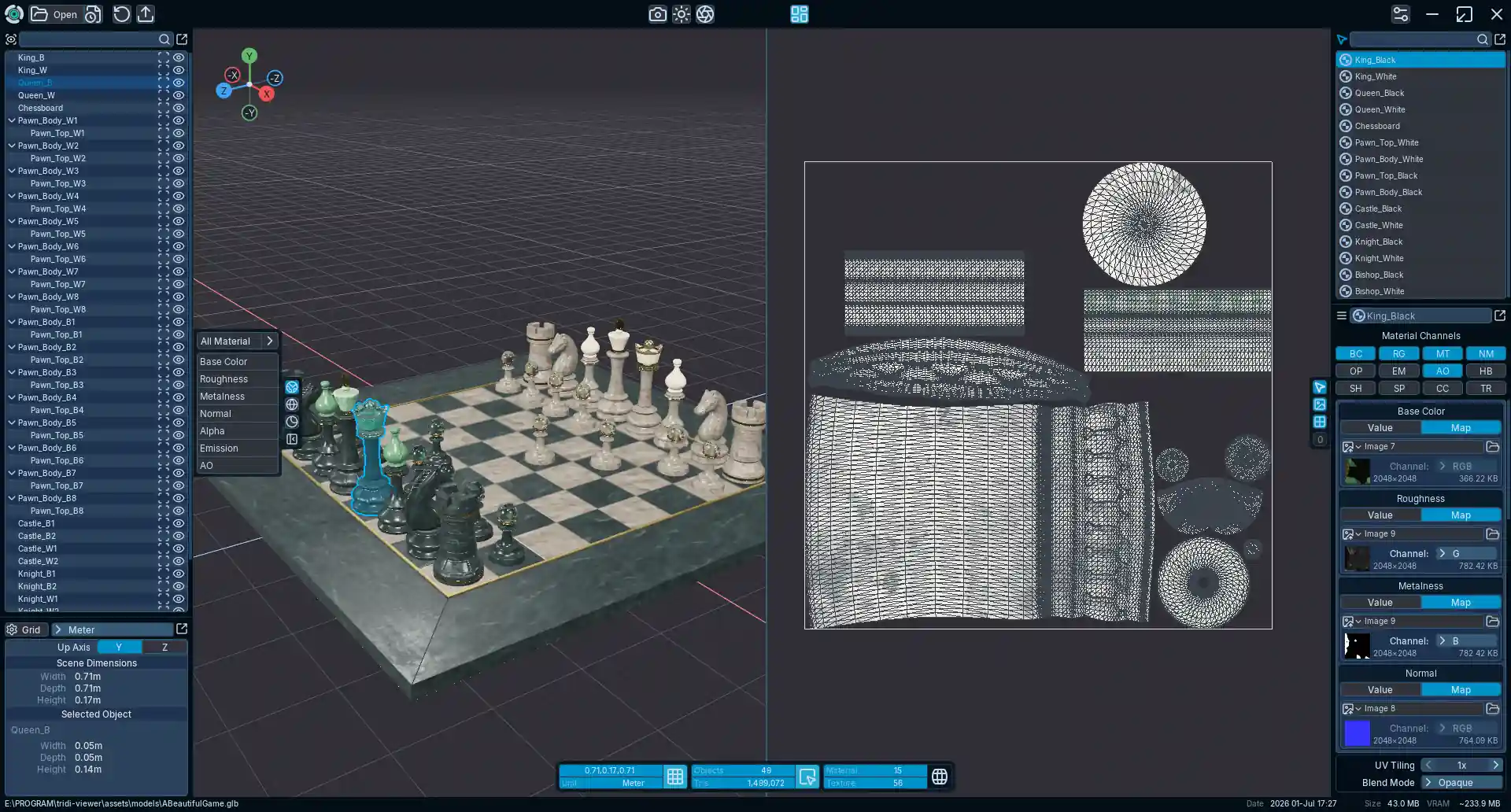
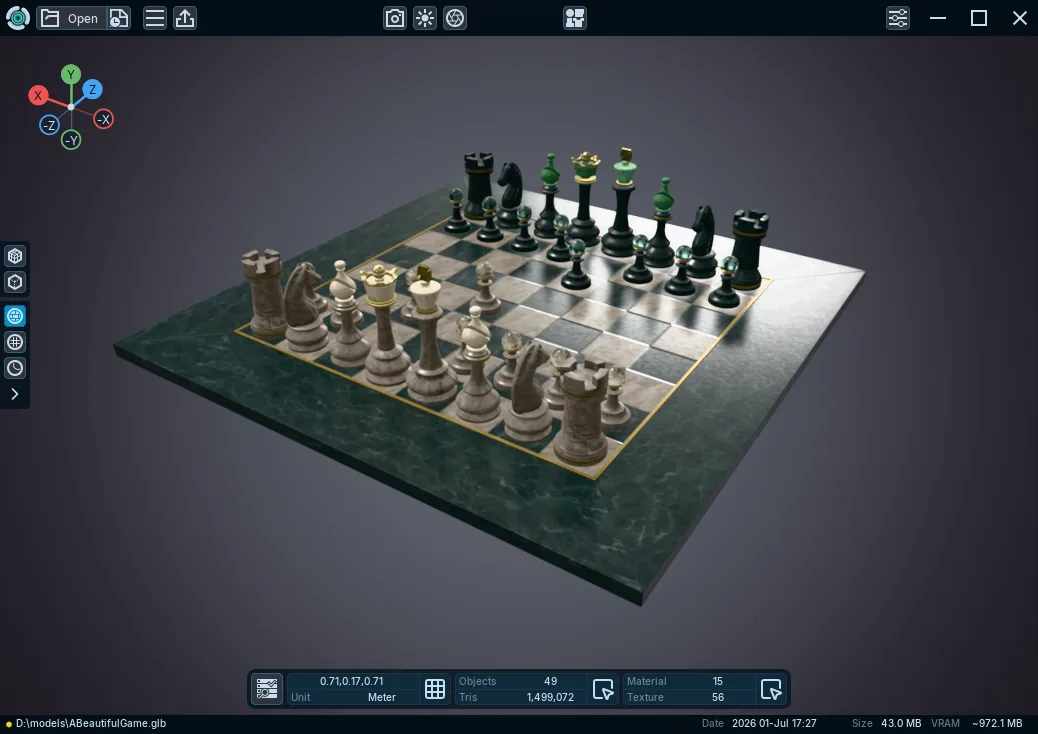
~1.5M triangles + 56 textures loaded in ~2 seconds.

Fast 3D Viewer, Advanced Materials, glTF Export, and more

Not all features shown are included in Free. Compare Free and Plus.
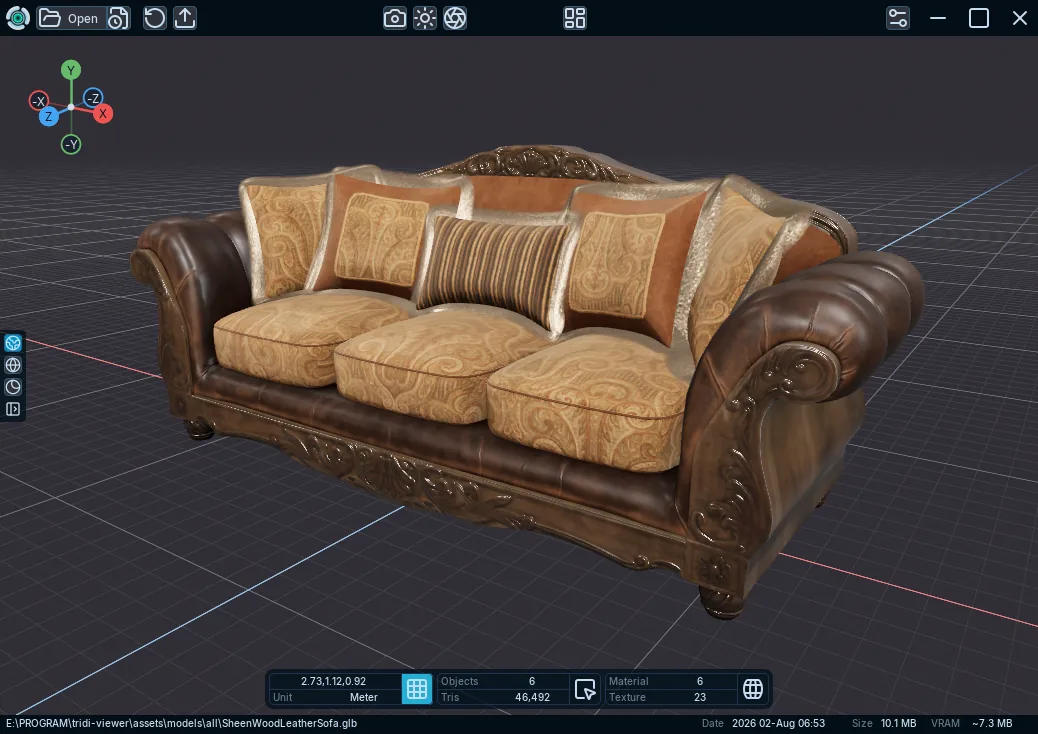
Tridi is a fast, lightweight 3D viewer built for quick model inspection and modern PBR workflows. Open and explore a wide range of 3D formats, inspect geometry and materials, preview advanced material properties, analyze UVs and render passes, and review your assets without the overhead of a full DCC application.
~1.5M triangles + 56 textures loaded in ~2 seconds.
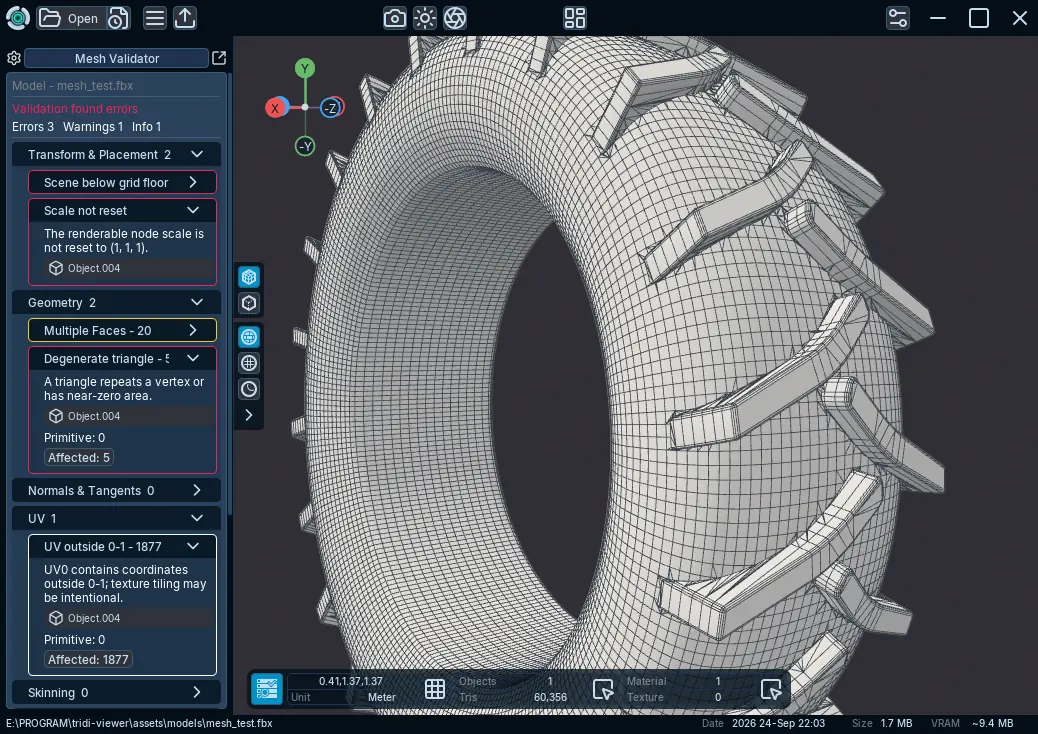
Analyze your mesh in more detail with Mesh Validator.
Preview skeletal, morph, and embedded animations directly in Tridi.
Rich PBR materials you can inspect, edit, and export.
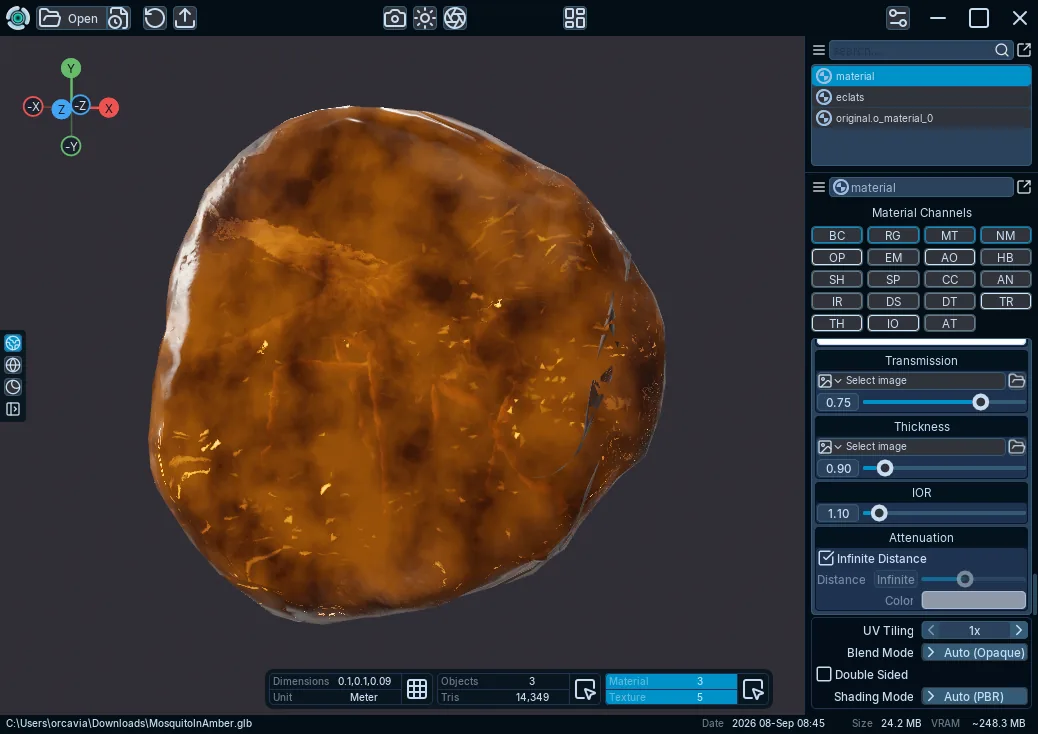

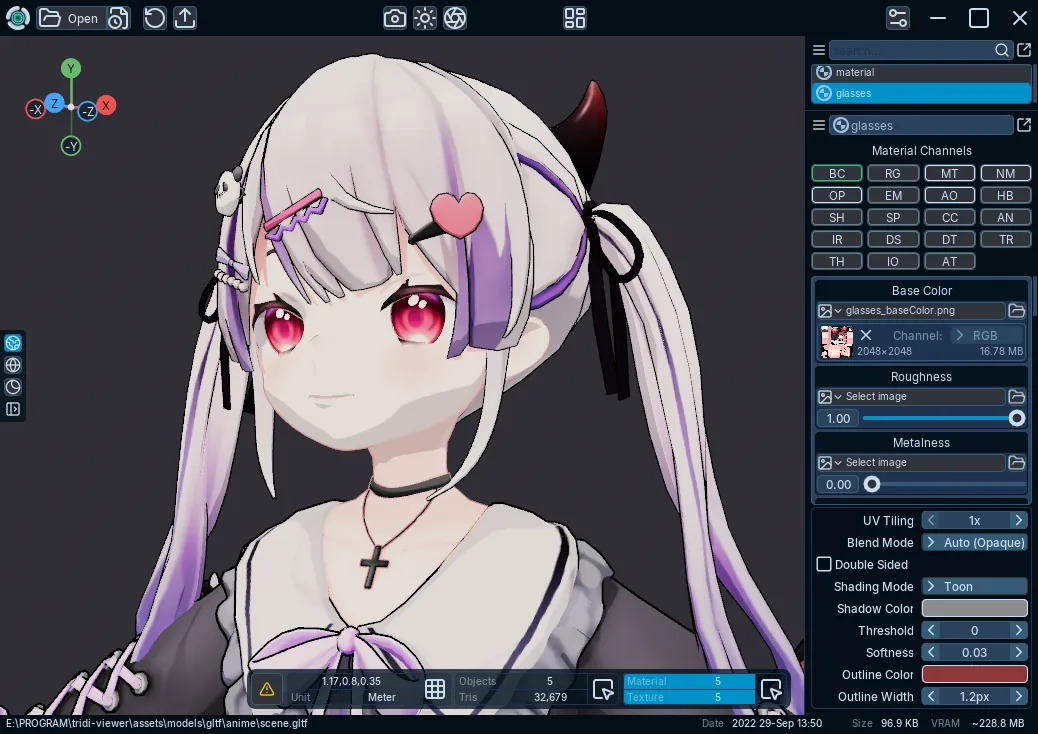
Quickly isolate and inspect individual material and geometry channels.
Quickly view and inspect UV maps for supported models.
Bring your own EXR or HDR environment and use ground projection for more natural scene presentation.
Learn more...

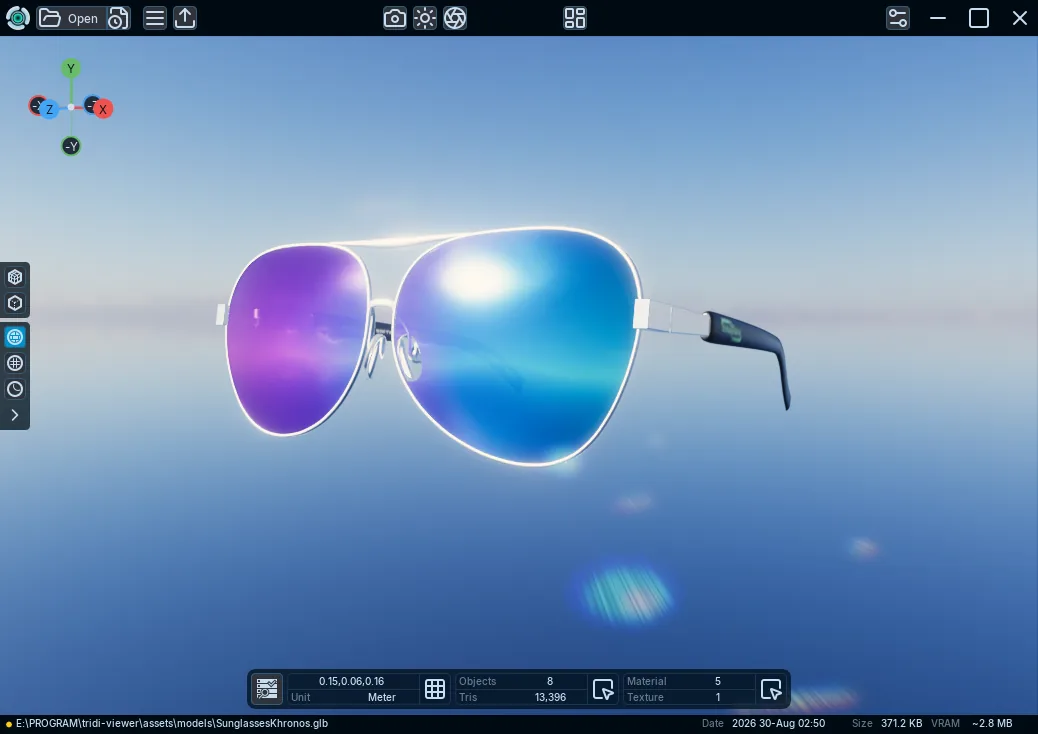
Shape the atmosphere with adjustable sun, haze, ground color, and animated volumetric clouds.
Learn more...
Quickly bake material maps and transfer high-poly detail onto low-poly UVs with fast, efficient baking.
Explore Bake Maps...
Use the workspace the way you need it

Supported formats
 glTF
glTF
.glb.gltf
 VRM
VRM
.vrm
 Wavefront OBJ
.obj
 PLY
PLY
.ply
 STL
STL
.stl
 3MF
3MF
.3mf
 COLLADA
.dae
 FBX
FBX
.fbx
 MikuMikuDance
.pmx
 Alembic
.abc
 USD
USD
.usd.usda.usdc.usdz
 STEP
STEP
.step.stp
 IGES
IGES
.iges.igs
 BREP
BREP
.brep
Some file data may not be fully supported. Review the format guide for limitations in complex formats such as USD or CAD.
System requirements
Windows 10 version 1809 or newer, or Windows 11.
x64. ARM64 and x86 packages are not currently available.
An up-to-date Vulkan-capable driver is preferred; Tridi can fall back to OpenGL.
Dense geometry, large scenes, and high-resolution textures require more system and graphics memory. Complex files can also take longer to open.
Availability
This website and documentation describe the current Tridi 1.6.0 release.
See release notes for the complete release history.