
Inspect render passes
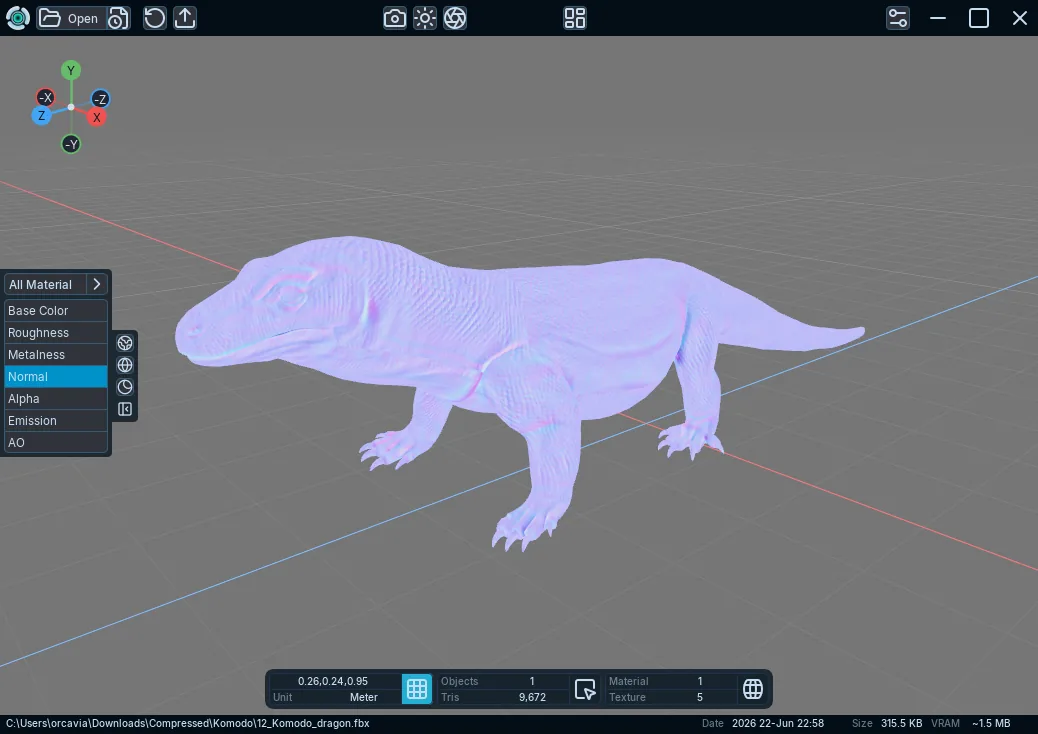
Inspect Base Color, Roughness, Metalness, Normal, Opacity, Emission, and AO data in Tridi.
Applies to Tridi 1.6.0 release. Release notes
Render passes isolate material and texture data so you can diagnose an imported asset.
Choose a pass
- Open a model.
- Expand the Render Pass Panel from the viewport-side controls.
- Choose Base Color, Roughness, Metalness, Normal, Opacity, Emission, or AO.
- Use the material selector to inspect all materials or one material.
What to expect
A pass is unavailable when the selected model or material has no required data. Opacity shows the effective opacity input, including supported packed grayscale or channel-routed sources. Return to Default Display to restore full materials and lighting.